
Veo 3.1 Lite: High-quality video, built for volume
A streamlined Google Veo variant made for rapid iteration—turn prompts or stills into polished short clips you can scale for social, ads, and storyboards without overspending on every render.

How to use
Pick a prompt or reference image, tune duration and framing in the generator, then export—three quick steps from idea to shareable clip.
Tell your vision
Describe the scene, camera feel, and pacing you want. Mention lighting, mood, and subject action so the model can lock onto your intent.
Choose settings
Fine-tune your output by adjusting the available settings to match your creative vision and project requirements
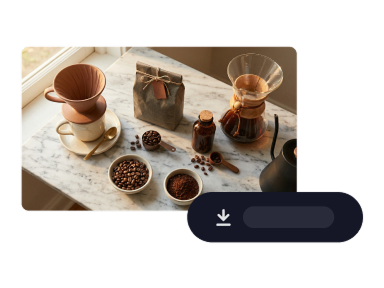
Download
Review the clip, tweak the prompt or settings if needed, then download or iterate for the next variation.
Efficient runs for everyday production
Purpose-built for teams that need many short videos—think A/B hooks for ads and e-commerce shops, localization drafts, and internal reviews—without treating every render like a final master.

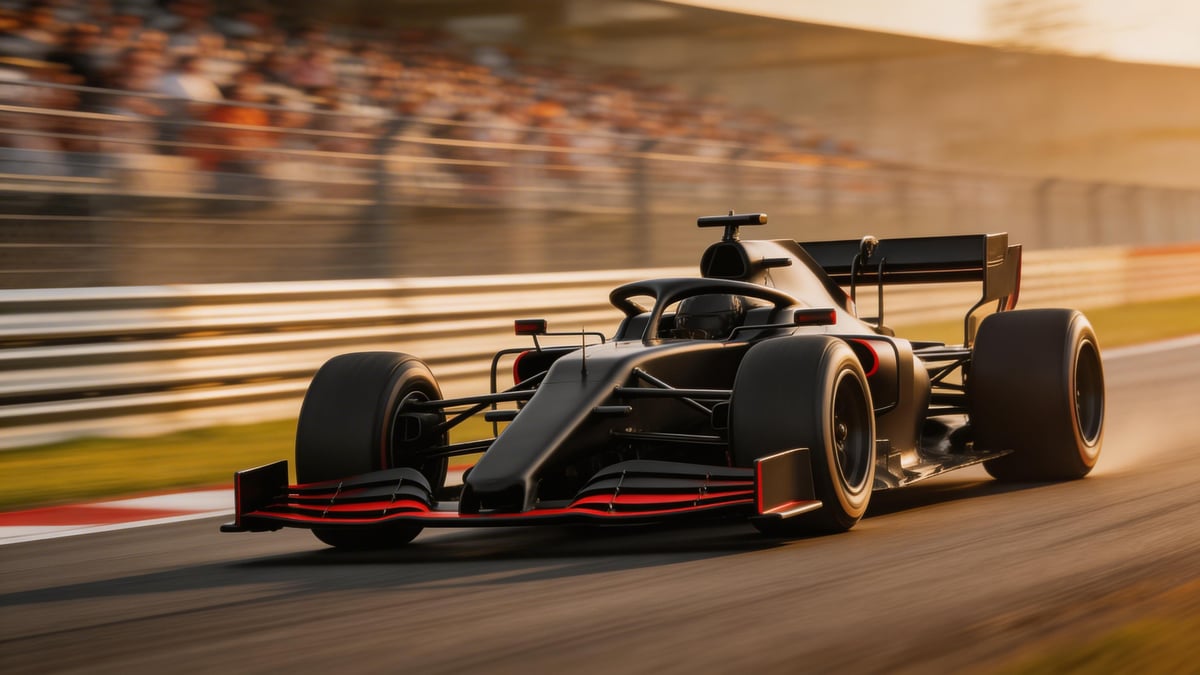
Strong motion and readable detail
Expect coherent movement, stable framing, and clear subject definition so your edits land closer to intent on the first pass, freeing you to refine copy instead of fighting artifacts.
Text or image as your starting point
Draft from a detailed text prompt or steer generation from a reference still—useful for storyboards, product shots, and branded visuals that need a consistent look.
Ready to scale your next video batch?
Open Generate video, select Veo 3.1 Lite when you want efficient iterations, and keep your creative loop moving.
Generate videoVeo 3.1 Lite
Veo 3.1 Lite is the value-focused option in the Veo 3.1 family: tuned for fast turnaround and budget-conscious pipelines while keeping the core strengths you expect from Google’s latest video models. Available in Studio AI through the text-to-video workflow—choose options that match your brief inside the tool.
Frequently asked questions
Straight answers about how Veo 3.1 Lite fits into Studio AI and when to pick it over heavier tiers.
What is Veo 3.1 Lite?+
It is a lighter, efficiency-oriented variant of Google’s Veo 3.1 video model—aimed at creators who want dependable short-form output and faster iteration cycles inside Studio AI’s text-to-video experience.
How is it different from the full Veo 3.1 experience?+
Lite prioritizes cost and throughput for everyday workloads. Reserve premium tiers when you need maximum fidelity or specialized controls; use Lite when you are exploring many ideas or filling a content calendar.
Can I start from an image?+
Yes. Pair the model with our image-to-video flow when you need to animate a still, or stay in text-to-video for pure prompt-driven shots—pick the path that matches your asset pipeline.
What should I write in my prompt?+
Name the subject, action, lighting, lens or camera move, and pacing. Short, specific prompts usually outperform vague one-liners, especially when you need consistent branding across batches.
Is it suitable for commercial projects?+
Commercial use depends on your Studio AI plan and the terms that apply to generated media. Review the latest licensing guidance in your account before publishing client work.
Why choose Veo 3.1 Lite over other models?+
It balances quality with iteration speed—ideal when you need many variants, social cuts, or internal previews. If a brief demands the absolute highest fidelity, compare outputs with our flagship models inside the same tool.
Do I need technical skills?+
No engineering background is required. If you can describe a shot in plain language, you can guide the model; optional settings in the generator let you go deeper when you are ready.