
FastWan: Speed-first AI video for rapid drafts
FastWan is tuned for quick turns and budget-friendly outputs—ideal when you need lots of prompt tests, proxy clips, or social cuts without waiting on heavier models. Pick resolution and aspect ratio in Studio AI’s text-to-video tool.

How to use
Describe your shot, choose aspect ratio and resolution in the generator, generate, then download or repeat—optimized for fast feedback loops.
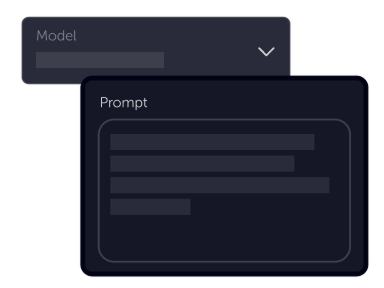
Tell your vision
Keep prompts direct: subject, motion, and environment. FastWan shines when you run many variants to compare pacing and composition.
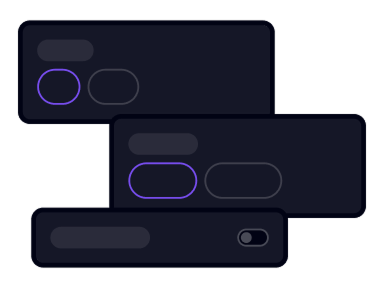
Choose settings
Fine-tune your output by adjusting the available settings to match your creative vision and project requirements
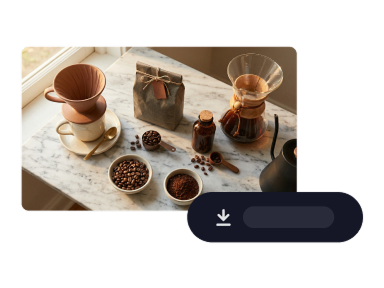
Download
Grab the render, share for review, or tweak settings and prompt again—treat outputs as disposable until the motion feels right.
Product benefits
When iteration velocity matters more than maximum fidelity, FastWan helps you keep prompts, previews, and approvals moving.
Open text-to-videoBuilt for rapid iteration and low-latency previews
Use FastWan when you are exploring hooks, motion tests, or localization drafts and need answers from the model quickly.


Budget-friendly output for high-volume experiments
Lower default resolutions help you stretch credits across more attempts—perfect for brainstorming sessions and internal reviews.
Standard and portrait aspect ratios in one workflow
Switch between common landscape and portrait frames so one fast pass can feed both feed ads and vertical stories.

Need more tries per hour, not fewer?
Open Generate video, select FastWan, and keep your prompt experiments flowing.
Generate videoFastWan
FastWan is available in Studio AI through text-to-video. Configure prompts plus resolution and framing options in the generator to match your pipeline stage.
Frequently asked questions
Common questions about FastWan inside Studio AI.
When should I pick FastWan?+
Choose it for speed-sensitive workflows—rough cuts, volume testing, and early approvals—before graduating clips to higher-fidelity models if needed.
What settings can I adjust?+
Studio AI exposes resolution and aspect ratio options for FastWan in the generator, alongside your prompt. Available choices follow the live tool configuration.
Is FastWan only for social video?+
No, but its fast, cost-aware profile is especially handy for social and iterative marketing where you expect many renders per day.
How do I get cleaner results?+
Iterate prompts, tighten descriptions of motion, and step up resolution when you move from draft to review. Pairing with other models is always an option in the same workspace.
Can I use outputs commercially?+
Commercial rights depend on your Studio AI plan and applicable terms. Verify licensing before external publication.
How does FastWan compare to cinematic models?+
Cinematic models may prioritize nuance and longer takes. FastWan prioritizes throughput—use it when you need many variations quickly, then compare champions side by side.
Do I need technical skills?+
No—clear natural-language prompts are enough. Technical settings are optional when you want finer control.