
Krea 2: Speed-first style exploration for creative teams
Krea 2 Turbo is a distilled, speed-optimized text-to-image model built for rapid ideation—generate high-fidelity stills in seconds while keeping Krea 2's broad aesthetic range. In Studio AI, describe your visual direction, test variations fast, then move promising concepts forward.
How to use
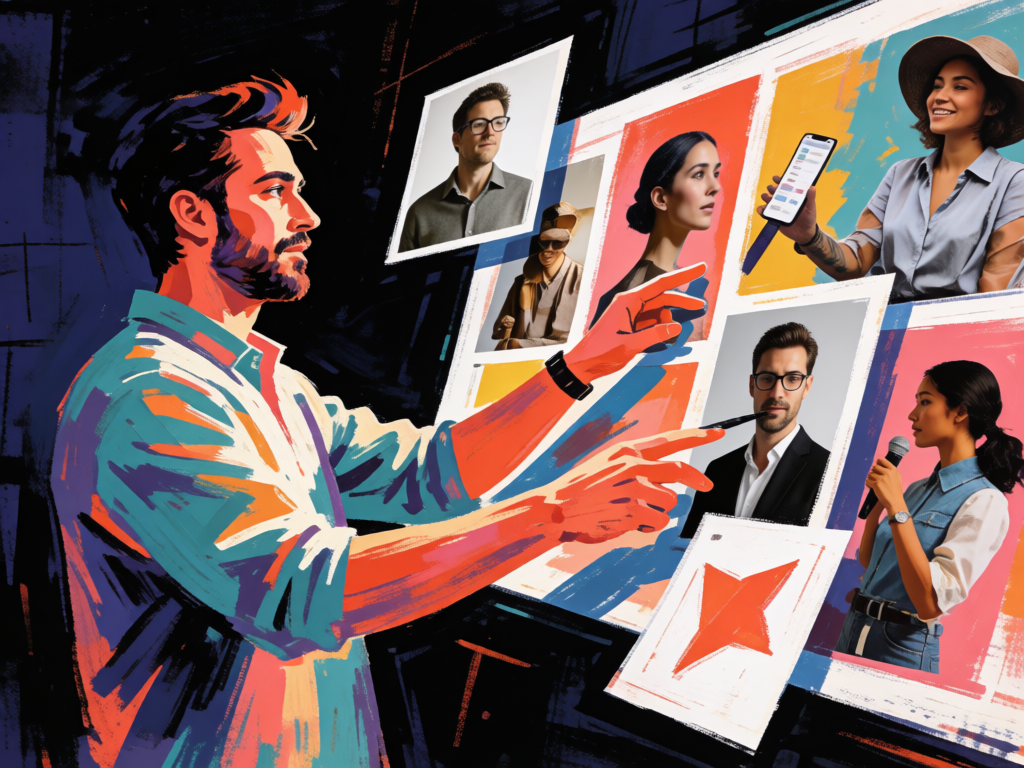
Describe subject and visual style, pick aspect ratio and output count, then compare results—three steps from prompt to export-ready stills.
Tell your vision
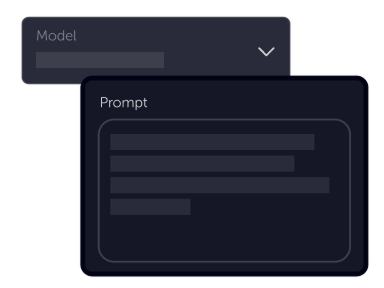
Write a prompt with subject, palette, and composition notes. Krea 2 Turbo responds well to clear style direction—concise prompts work, but specific art-direction language helps lock the mood faster.
Choose settings
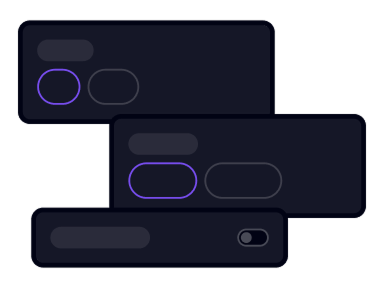
Fine-tune your output by adjusting the available settings to match your creative vision and project requirements
Download
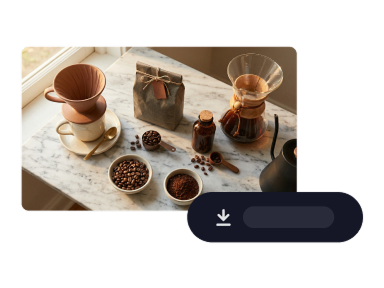
Preview generations instantly, refine the prompt or settings, then download the frames that fit your moodboard, pitch, or campaign direction.
Product benefits
A style-first image model when you need to explore directions quickly—without the generic AI look that slows creative review.
Open image generationIdeate in seconds without the generic AI look
Krea 2 Turbo keeps the expressive visual range of the Krea 2 family while running multiple times faster. Test prompts, palettes, and composition ideas in a tight loop instead of waiting on heavyweight renders for every rough concept.
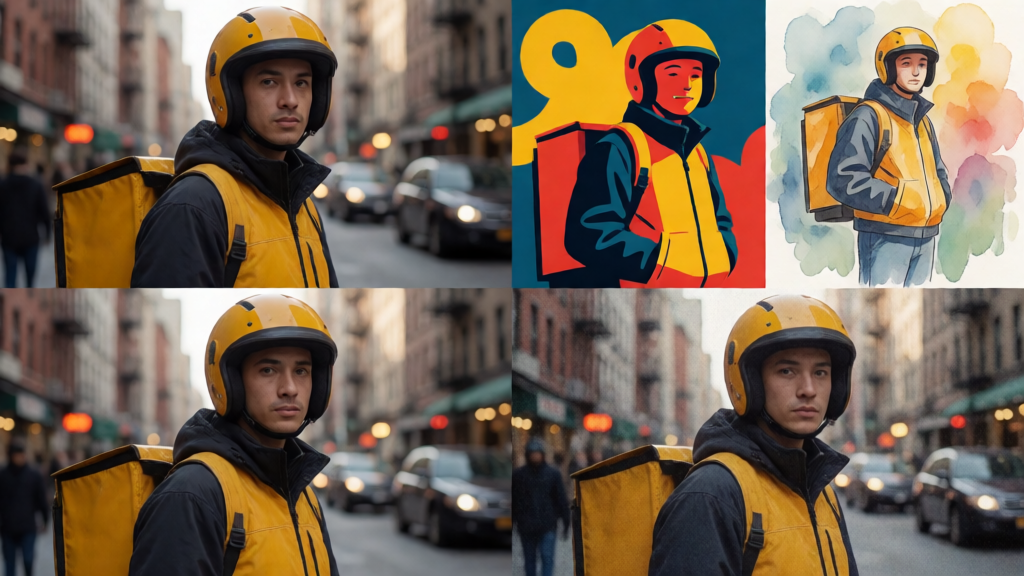
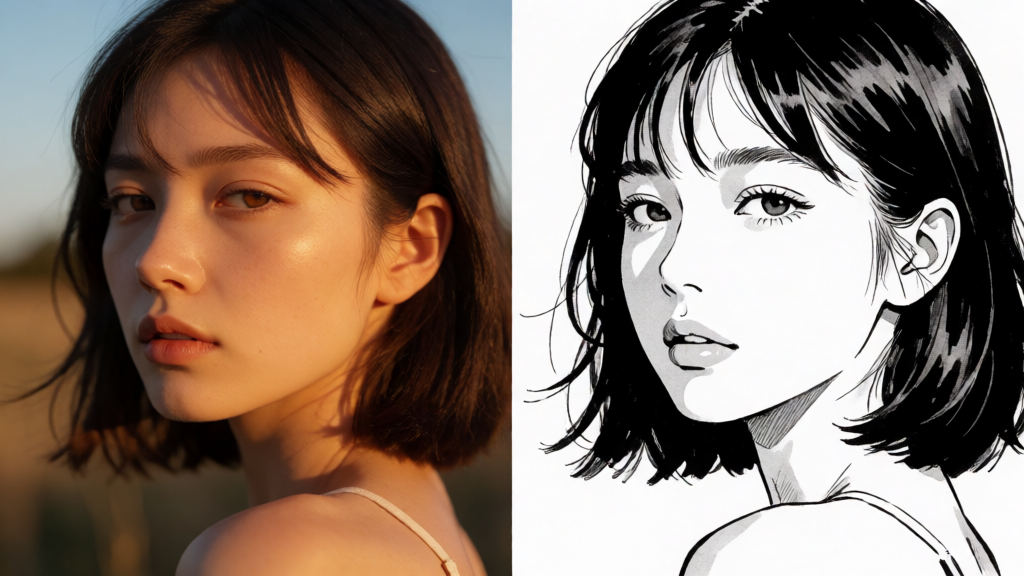
Photoreal to illustration in one model
From photoreal portraits and textured editorial stills to bold graphic posters, manga ink, watercolor washes, and grainy VHS moods—Krea 2 handles a wide style spectrum without defaulting to sameness. One model for moodboards, pitches, and campaign directions.
Low-cost iteration before your polish pass
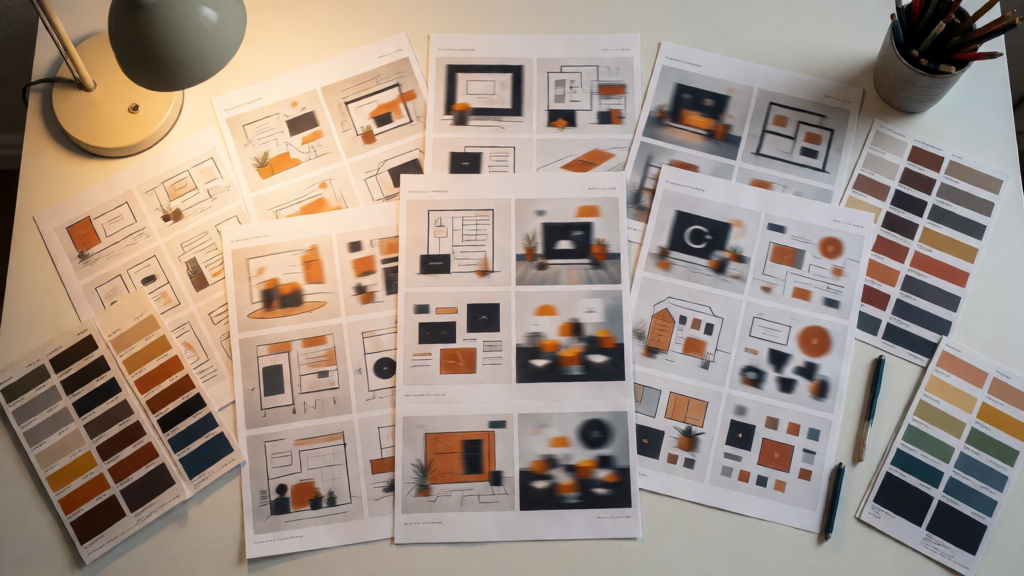
Turbo mode is tuned for affordable batch exploration: generate multiple variations per request, compare layouts side by side, and lock a direction before you invest in a higher-fidelity pass with another model or export stage.
Ready to stress-test your next visual direction?
Open text-to-image, choose Krea 2 Turbo, and run fast concept passes before you commit to a final look.
Generate with Krea 2Krea 2
Krea 2 Turbo is available in Studio AI through the image generation workflow. Select the model, supply your prompt, and tune aspect ratio and output count to match your exploration stage.
Frequently asked questions
Answers about using Krea 2 Turbo inside Studio AI.
What is Krea 2 Turbo?+
Krea 2 Turbo is the speed-optimized variant of Krea 2—a text-to-image model from Krea AI designed for rapid ideation, expressive illustration, and style-driven concept work. In Studio AI it powers the Krea 2 Turbo option inside text-to-image.
How fast is Krea 2 Turbo?+
Turbo uses a distilled sampling schedule so generations complete in seconds—built for prompt testing, layout exploration, and batch concept passes rather than slow heavyweight renders.
What visual styles does Krea 2 support?+
Krea 2 is trained for a broad aesthetic range: photoreal scenes, editorial photography, bold graphic illustration, manga and anime, watercolor, and textured retro looks. It is especially strong when you want distinctive art direction instead of a generic AI finish.
How many images can I generate per request?+
You can generate between 1 and 4 images per call in Studio AI, depending on the output settings exposed in the generator—useful for quick A/B comparisons during concept exploration.
When should I use Krea 2 Turbo vs other image models?+
Choose Krea 2 Turbo when speed and style exploration matter most—moodboards, campaign directions, and expressive illustration drafts. For maximum photoreal polish or typography-heavy packaging renders, compare outputs with quality-biased models like GPT Image 2 or Seedream in the same tool.
Is Krea 2 suitable for commercial use?+
Commercial use depends on your Studio AI plan and the terms covering generated media. Confirm the latest licensing and usage rules in your account before client delivery.
Do I need technical or design experience?+
No. Krea 2 works with natural language prompts. Clear notes on subject, palette, lighting, and style generally produce better results, but no coding or advanced retouching skills are required.