
Nano Banana 2.1: Flash-speed generation with sharper quality
The latest efficient image model for generation and conversational editing. Nano Banana 2.1 keeps Flash-level speed and cost while improving realism, prompt adherence, in-image text, and character and prop consistency across variations.
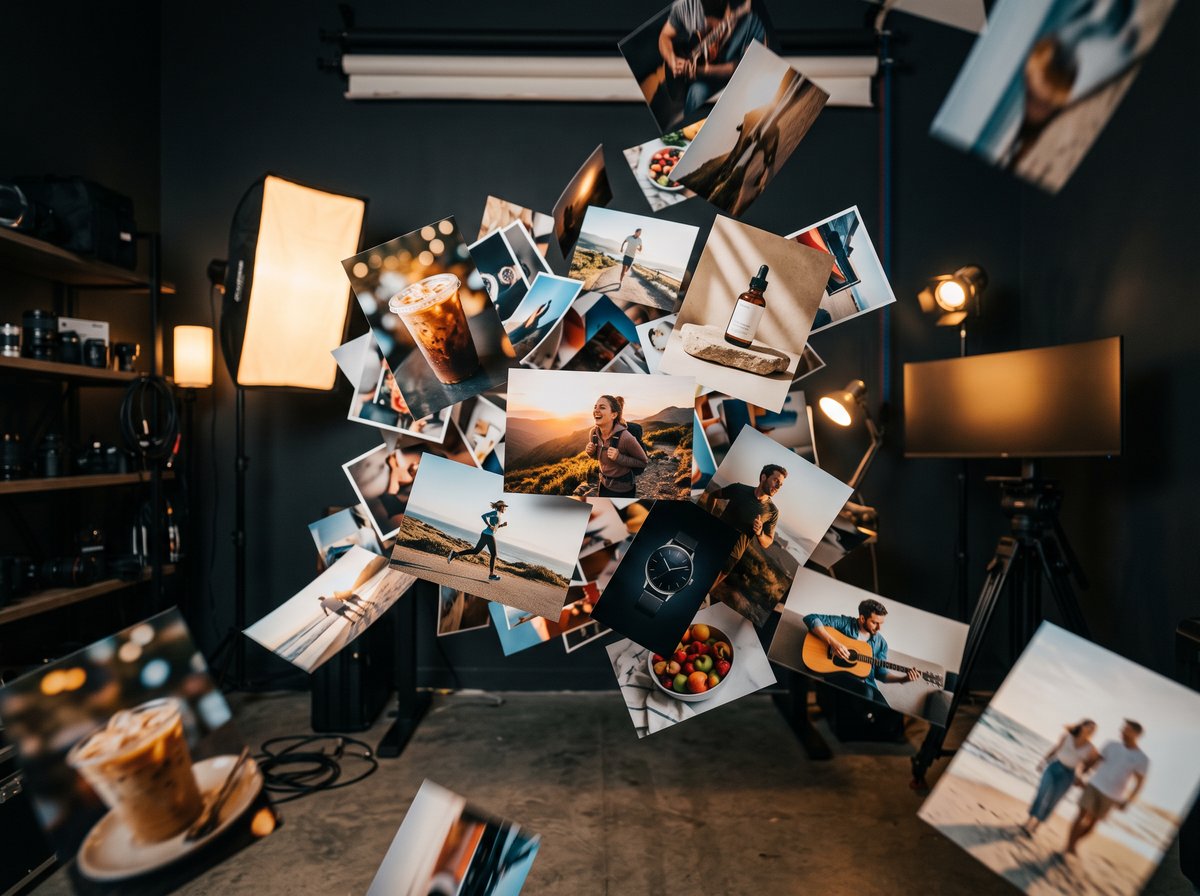
How to use
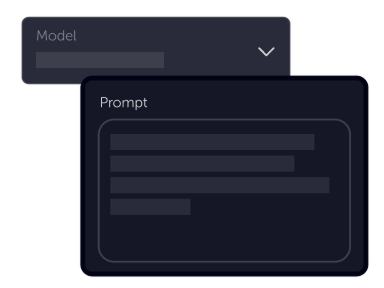
Tell your vision
Upload a source image, then describe the change you want in plain language. Nano Banana 2.1 turns your brief into polished variations in seconds.
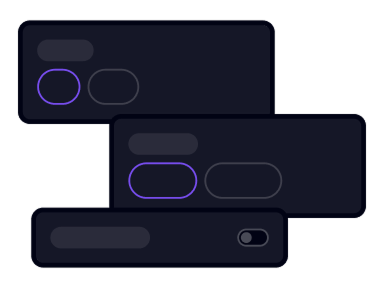
Choose settings
Fine-tune your output by adjusting the available settings to match your creative vision and project requirements
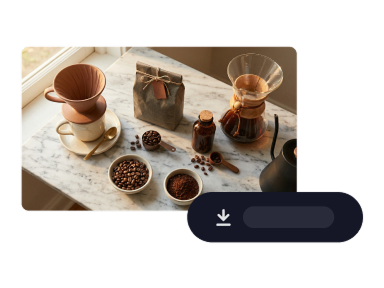
Download
Preview results instantly, refine your prompt to keep subjects and key details aligned, then download the final image ready for campaigns or product listings
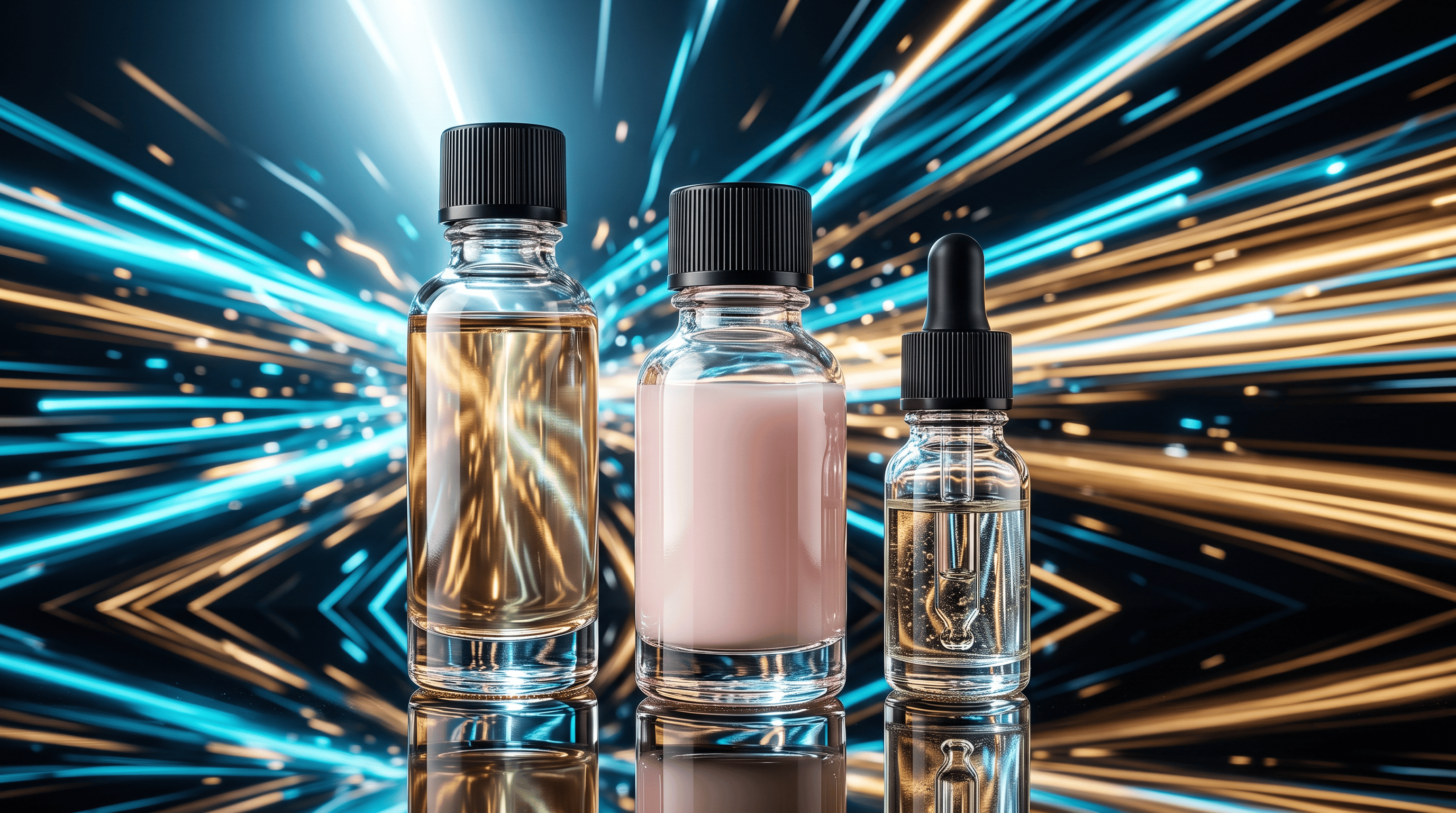
Sharper visuals at Flash speed
Nano Banana 2.1 upgrades the Nano Banana 2 line with stronger visual quality and tighter prompt adherence at default 1K, plus optional 2K and 4K output. You still get seconds-fast generations and efficient cost per image—now with richer detail and realism for everyday production.
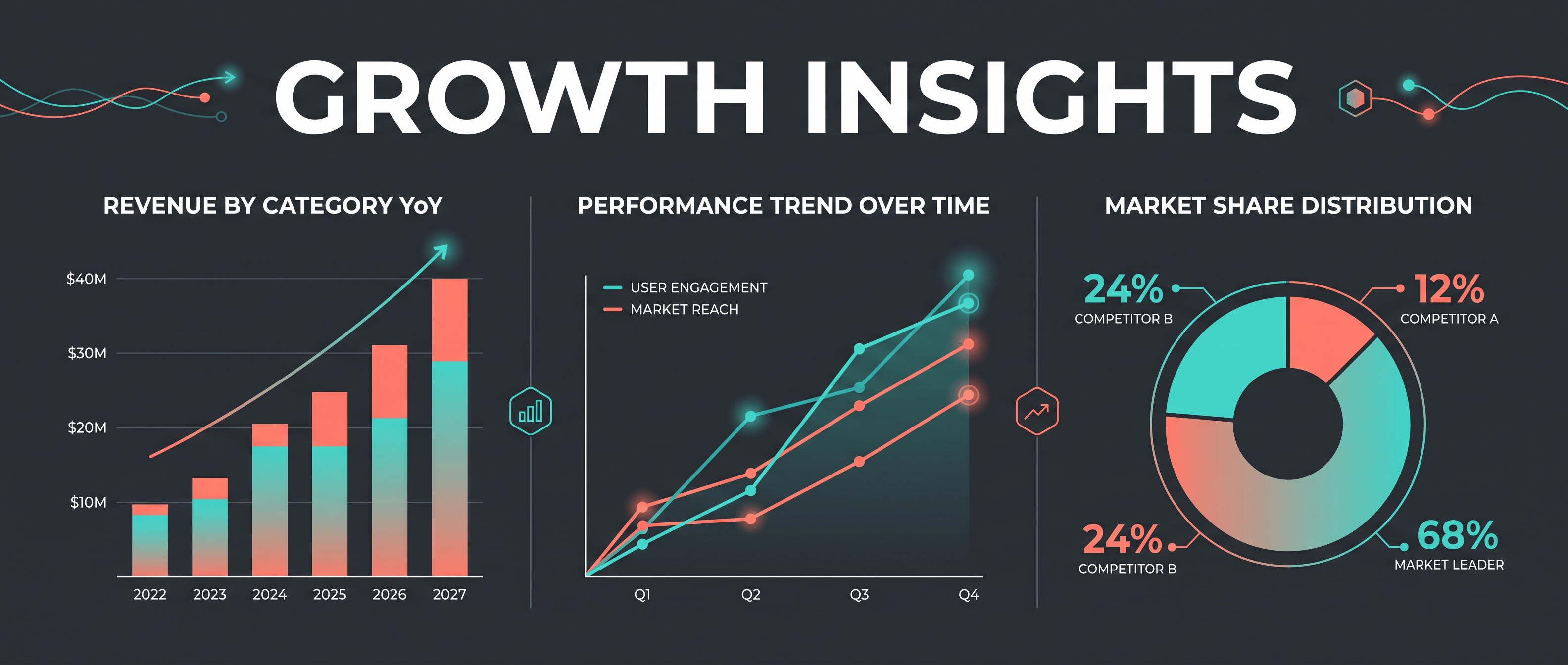
Text, infographics & wide frames
Legible headlines, labels, and chart-style layouts are easier to land with improved text rendering and infographic structure. Ultra-wide and panoramic aspect ratios—including 1:4, 4:1, and extreme banners—show fewer tiling artifacts at 2K and 4K, so story strips and hero art look cleaner.
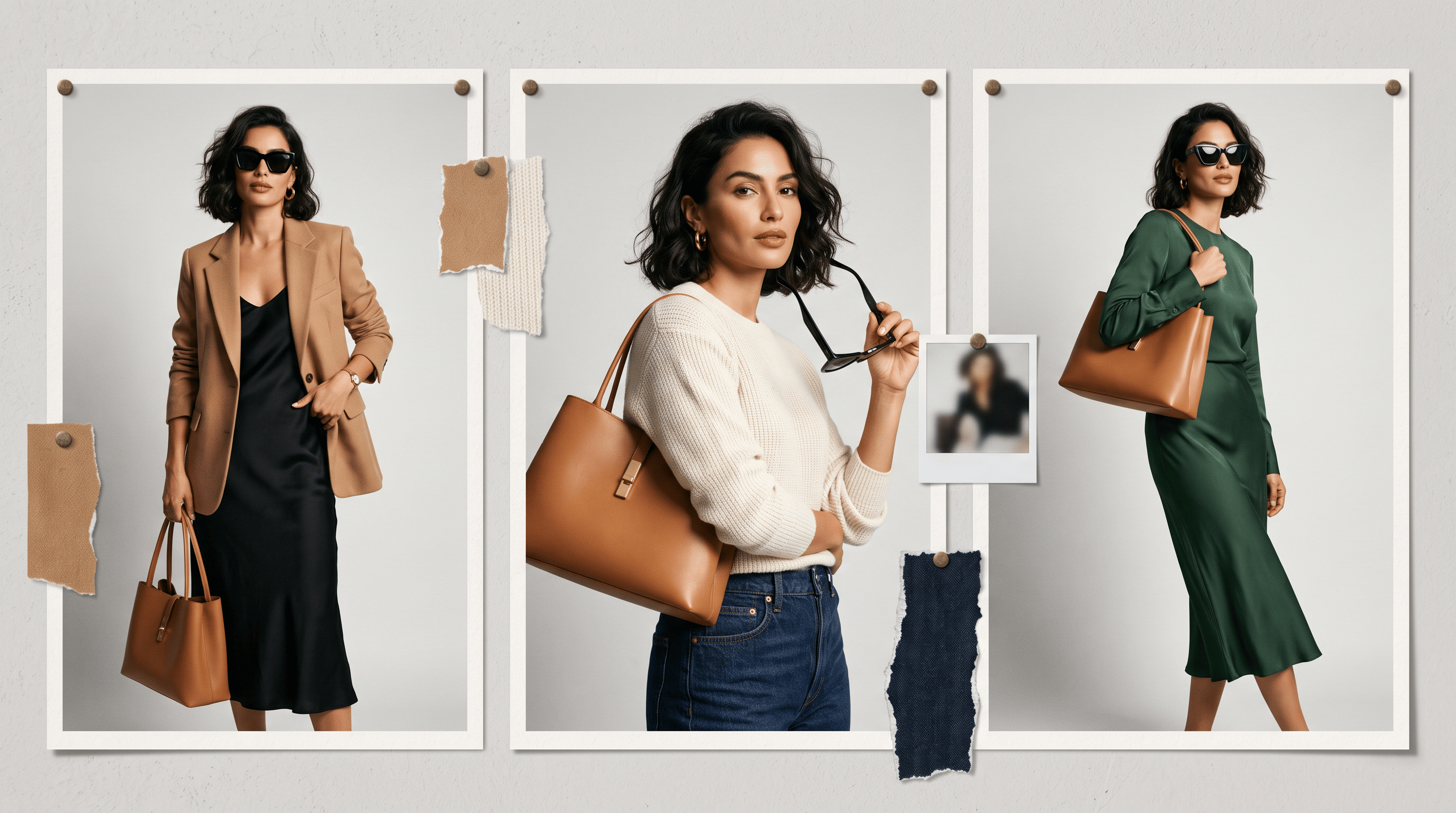
Character & prop consistency
Upload a source image and describe the change you want. Nano Banana 2.1 keeps the same subject, styling, and key accessories more stable as you generate variations—so campaign and series work feels like one shoot, not a new random image every time.
Nano Banana 2.1
Nano Banana 2.1 delivers Flash-speed image generation and editing with upgraded realism, text rendering, wide-frame quality, and stronger character and prop consistency—the efficient counterpart to Nano Banana Pro for high-volume creative work.
Frequently asked questions
What is Nano Banana 2.1?
Nano Banana 2.1 is Google’s latest high-efficiency image generation and conversational editing model—an update to Nano Banana 2 that keeps Flash-level speed and cost while improving visual quality, prompt adherence, text in images, and consistency across edits.
What’s new in Nano Banana 2.1 compared to Nano Banana 2?
2.1 adds stronger realism across 1K (default), 2K, and 4K outputs, better text and infographic layouts, improved character and prop consistency when you iterate on variations, cleaner ultra-wide aspect ratios at higher resolutions, and optional grounding with web and image search where your provider enables it.
What output resolutions does Nano Banana 2.1 support?
The model supports 1K, 2K, and 4K output, with 1K as the default. In Studio AI, pick the resolution shown in the generator when you choose Nano Banana 2.1 from the model list.
How does Nano Banana 2.1 help with character and prop consistency?
In Create variations, upload a source image, choose Nano Banana 2.1 from the model list, and describe the edit you want. The model holds the same subject, styling, and key accessories more stable as you generate new variations—useful when campaigns or series should look like one cohesive shoot.
Is Nano Banana 2.1 better for text and infographics?
Yes. This release focuses on sharper text rendering and more accurate infographic and layout structure, which helps posters, slides, ads, and labeled product shots where readable type matters.
Does Nano Banana 2.1 handle wide or panoramic aspect ratios?
Yes. Wide and panoramic ratios such as 1:4, 4:1, 1:8, and 8:1 are improved at 2K and 4K, with reduced tiling artifacts compared with earlier Nano Banana 2 outputs.
How does Nano Banana 2.1 compare to Nano Banana Pro?
Nano Banana 2.1 is the efficient Flash-class option for fast iteration and volume. Nano Banana Pro targets maximum fidelity when you need a single premium render; choose the tier that matches speed versus peak quality for your project.
How do I use Nano Banana 2.1 in Studio AI?
Open Create variations, select Nano Banana 2.1 from the model list, upload your source image, describe the edit you want, and generate. No coding is required—clear natural-language prompts work best.