Describe the shot. Get motion-ready video.

Pick a model, tune duration and framing, then iterate from one prompt until the clip fits your campaign, prototype, or storyboard.
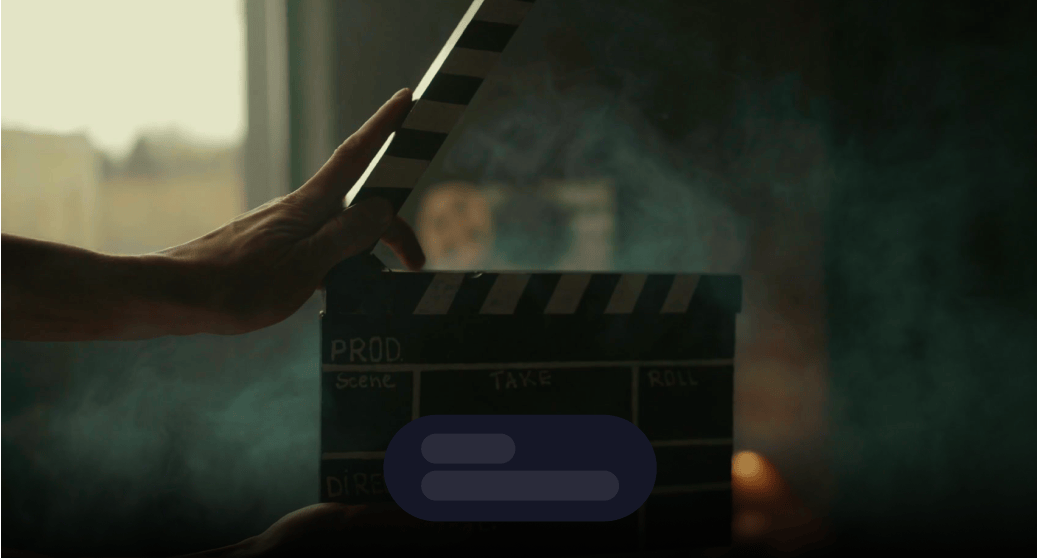
Describe the shot. Get motion-ready video.

Built for production-ready workflows

Structured controls, upfront coin estimates, and a unified MotionElements account—so you can brief, generate, and iterate without juggling separate tools.

Model choice per brief

Swap models when you need cinematic motion, faster drafts, or budget-friendly passes—without leaving the same prompt-first workspace.

Try now

Prompt control that scales

Structured settings reduce guesswork so teams can reproduce looks, compare variants, and ship consistent batches.

Try now

Built for production pipelines

Estimate cost up front, chain outputs into other Studio AI tools, and keep creative intent aligned from script to render.

Try now

Frequently asked questions

Practical answers about Studio AI billing, outputs, and how this tool fits your pipeline.

What is MotionElements Studio AI text-to-video?
Studio AI text-to-video turns written prompts into short motion clips inside MotionElements. You pick from available models in `/v3/tools`, adjust aspect ratio and model-specific options, then generate—ideal for ads, social loops, and proof-of-concept edits.
How do I choose the right model?
Each model trades off speed, cost, motion style, and duration limits. Use in-tool descriptions and coin estimates to compare runs with the same prompt before committing to a longer batch.
Do I need existing footage?
Pure text-to-video starts from language only. If you already have a hero still you want to animate, use the separate image-to-video workflow for tighter control over the first frame.
Will I see pricing before generating?
Yes—Studio AI surfaces estimates based on your settings so teams can compare variants without surprise coin usage.
What formats and sizes can I export?
Exports depend on the active model and tool configuration shown at generation time; always verify dimensions and codecs in the prediction output before handing off to editors.
Can I iterate safely on the same brief?
Adjust prompts or technical knobs and regenerate—prior predictions remain in your Studio AI history so you can audit what changed between passes.
Is Studio AI text-to-video suitable for commercial campaigns?
Outputs are intended for professional workflows under MotionElements Studio AI terms—confirm licensing, talent likeness, and brand rules for your jurisdiction before publishing.
How does text-to-video relate to video templates?
Templates scaffold repeatable layouts with guided uploads; text-to-video invents motion straight from language. Pick templates when structure matters and text-to-video when exploration speed wins.

Try this tool in Studio AI

Jump straight into the generator with your MotionElements login—the same credits and downloads as the rest of Studio AI.

Try now