Stay on-brand while diverging details.

Provide the anchor frame, describe edits, and explore variants without rebuilding the entire prompt stack.
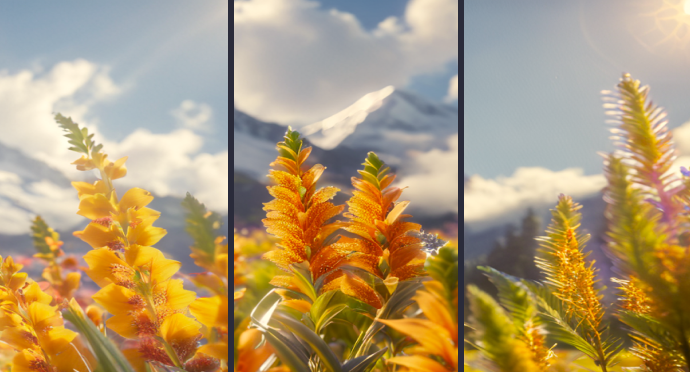
Stay on-brand while diverging details.

Built for production-ready workflows

Structured controls, upfront coin estimates, and a unified MotionElements account—so you can brief, generate, and iterate without juggling separate tools.

Structured experimentation

Teams converge faster when every variation shares DNA.

Try now

Marketing agility

Spin localized palettes or seasonal tweaks from one hero asset.

Try now

Predictable workflow

Studio AI estimates keep finance aligned.

Try now

Frequently asked questions

Practical answers about Studio AI billing, outputs, and how this tool fits your pipeline.

Why use image variations?
Explore palette shifts, seasonal tweaks, or subtle packaging edits without rebuilding prompts from scratch.
How is this different from pure text-to-image?
Variations anchor on your supplied still—DNA stays closer to approved comps.
Can I lock composition?
Strength sliders influence deviation—lower strength preserves layout while refreshing textures.
Will typography stay crisp?
Small type may drift—proof reads before shipping localized packs.
Can variations feed image-to-video?
Yes—many campaigns animate the winning variant.
How many iterations should I budget?
Plan iterative bursts using estimator totals rather than single-shot guesses.
Does MotionElements store seeds?
Prediction records help reproduce workflows—document external references separately.
What improves marketing approvals?
Caption each variation with business rationale so reviewers compare intent, not just pixels.

Try this tool in Studio AI

Jump straight into the generator with your MotionElements login—the same credits and downloads as the rest of Studio AI.

Try now